Live Editor
Change a typo in 5 seconds.
Not 5 days.
Click any text on your site. Change it. Hit save. That's the whole process. No code. No developer. No waiting. No training.
What You Can Do
Every change you'll ever need.
Right here.
Here's exactly what you can do in the Nua editor. No surprises, no hidden complexity.
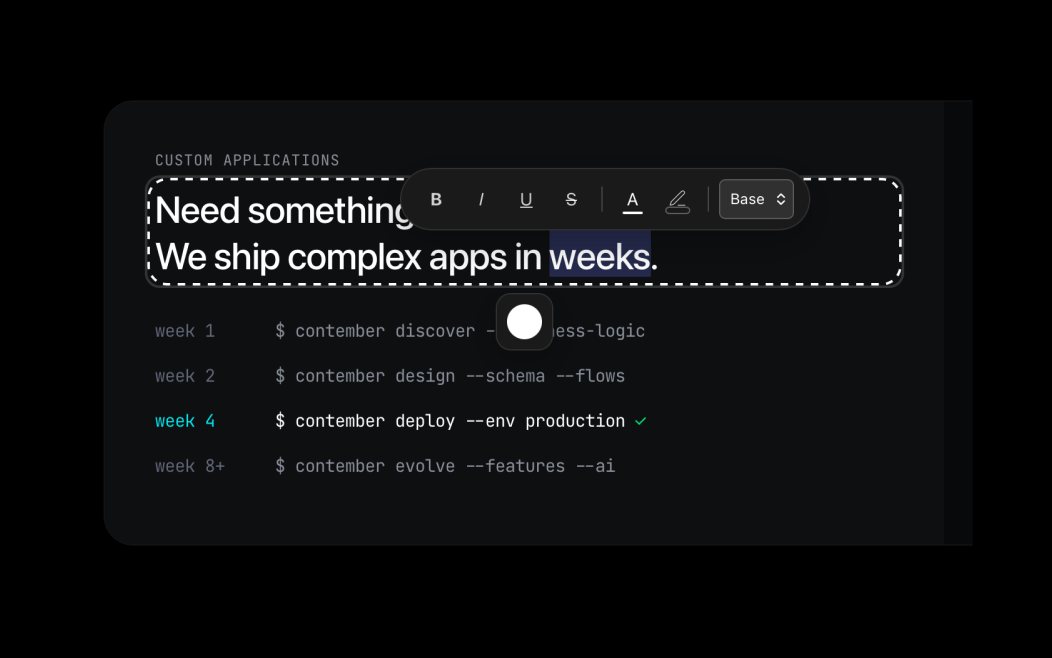
Click & Type
Fix a typo. Update a price.
Change any text.
See your live website. Click any text — headline, paragraph, button label. An inline editor appears. Type your change. Hit save. That's it. No admin panel, no CMS, no confusion.
Most changes take under 10 seconds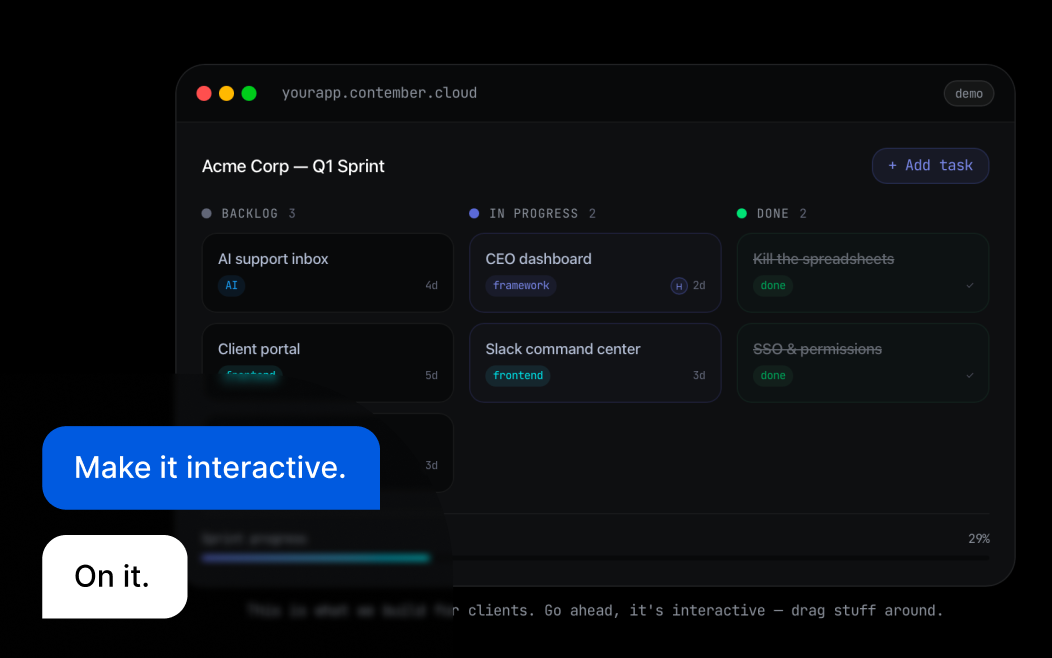
AI Assistant
Just describe what you want.
In plain English.
Open the chat panel and type something like "Make the headline bigger" or "Change the background to dark blue." AI understands your site and makes the change. Review it, approve it, done.
Works in any language you speak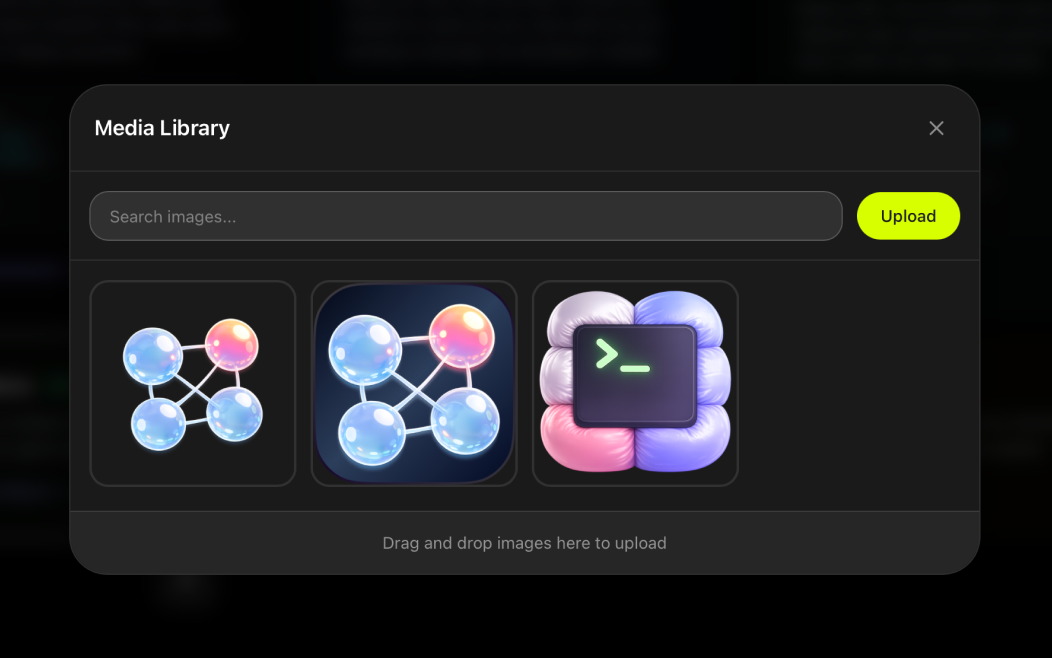
Images
Swap any photo.
Upload or pick from library.
Click any image on your site. A replace popover appears — upload a new photo or choose from your media library. The image auto-resizes to fit your layout perfectly.
Images auto-resize to fit your layout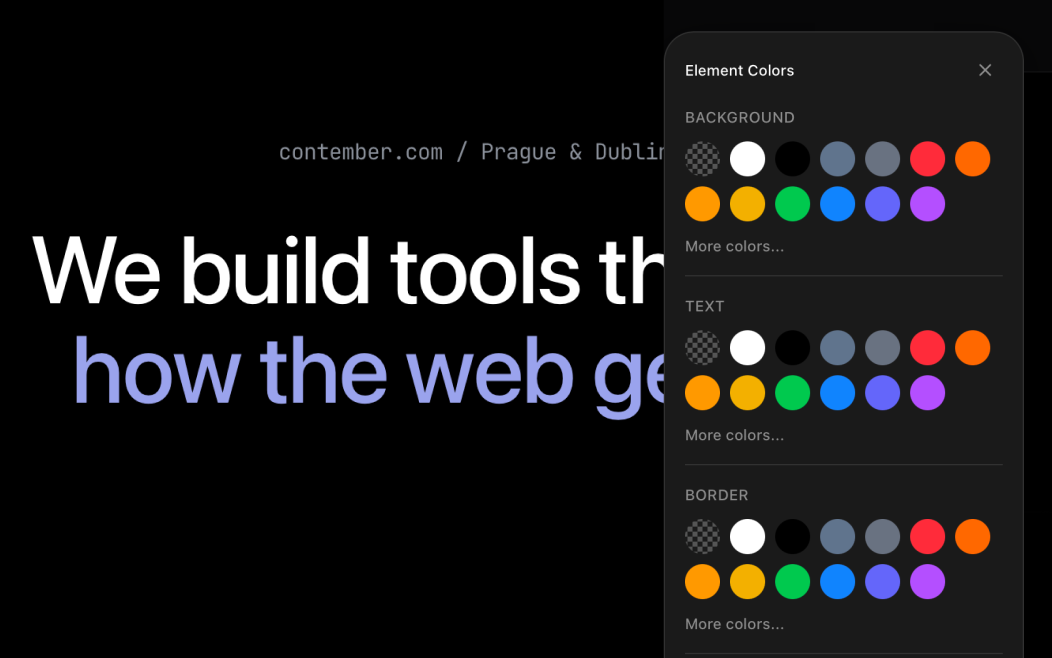
Style
Change colors, fonts, spacing.
Your brand stays consistent.
Open the style panel to adjust colors, typography, and spacing. Your brand palette is always suggested first, so everything stays consistent without effort.
Your brand palette is always suggested first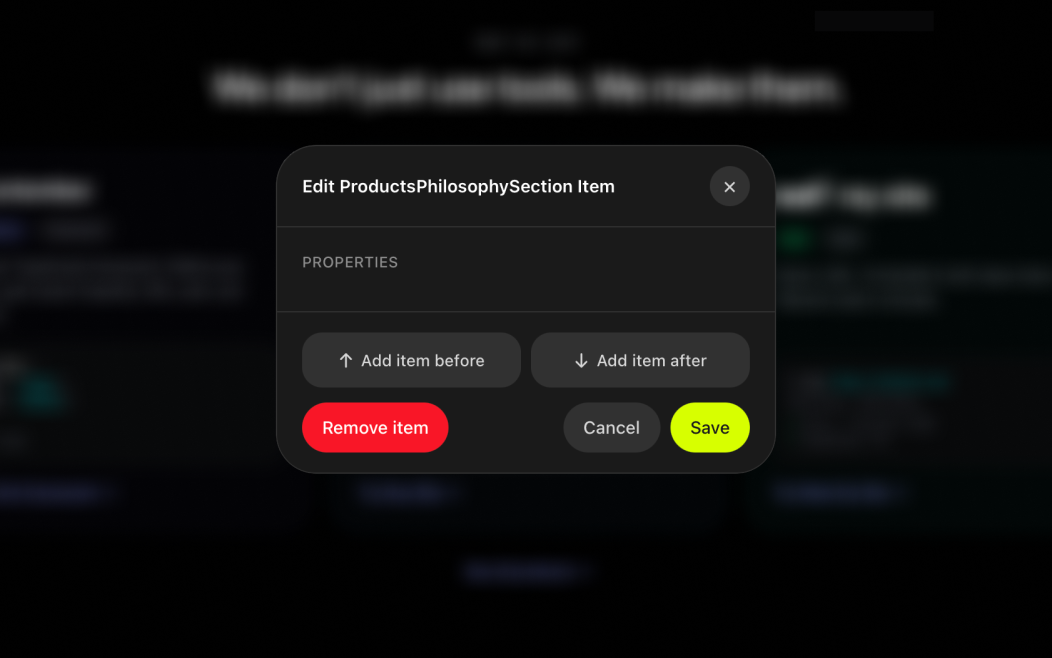
Blocks
Add a section.
Drag to rearrange.
Need a testimonials section? A pricing table? An FAQ? Pick from the block library and drag it into place. New blocks automatically match your existing design style.
New blocks use your existing design style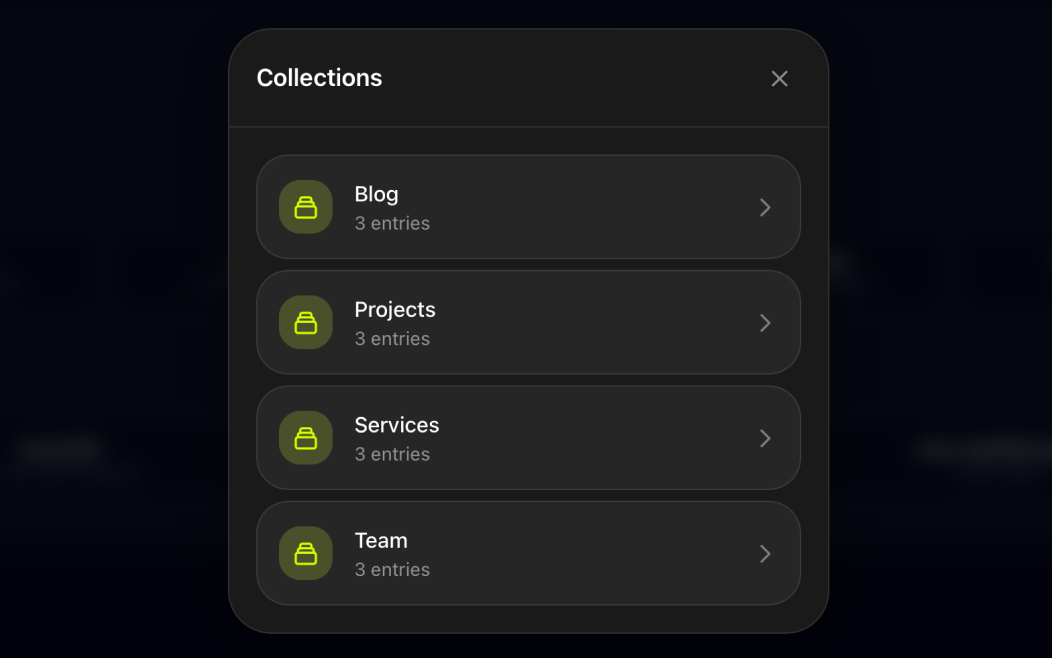
Collections
Add a blog post. Update a case study.
Manage any content.
Blog posts, portfolio items, team members, case studies — they all work the same way. Open the collection, fill in the form, publish. No separate CMS login needed.
Works for blog, portfolio, team, and any collection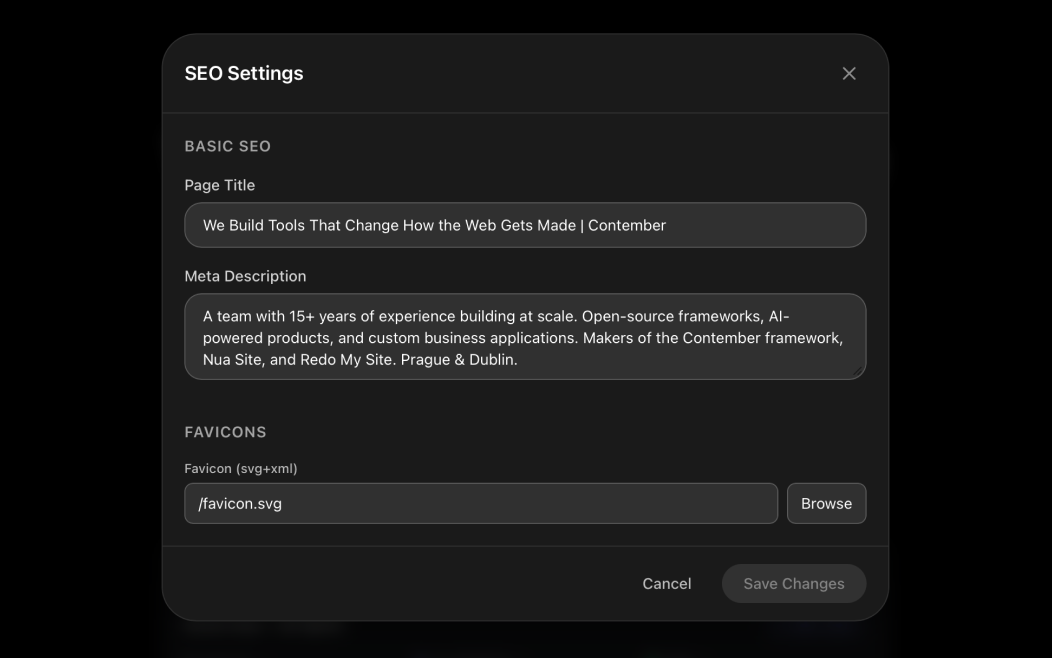
SEO
Page titles. Descriptions. OG images.
All in one panel.
Open the SEO panel and fill in the fields. See a live Google preview that updates as you type. No guessing, no developer middleman — just type and see exactly how your page will look in search results.
Google preview updates as you typeSafety Net
"What if I break something?"
You literally can't.
We built this for people who are nervous about touching their own website. Every safeguard exists so you can edit with zero fear.
Every edit is saved. Forever.
Full version history timeline. Restore any previous version with one click. Nothing is ever lost.
Preview before anyone sees it.
See exactly how your changes look before visitors do. Nothing goes live until you hit "Publish."
One click to undo. Any change. Any time.
Made a mistake? Click undo. Changed your mind? Click undo. It's instant, unlimited, and always there.
The editor protects your design.
Brand colors are enforced. Typography stays consistent. AI respects your style. You can change content freely without breaking your design.
And if you ever feel stuck? Send us a message. We'll make the change for you, usually within minutes. Editing your site is your choice, not your obligation.
Before & After
Remember when updating your site felt like this?
Fix a typo
Change a photo
Update pricing
Add a blog post
Change a button color
Edit SEO metadata
Rearrange sections
I've used Wix/Webflow/Squarespace. How is this different?
Those are page builders with complex admin panels. Nua is your actual website with a thin editing layer on top. Click what you see, change it. No templates, no widgets, no learning curve. And you own the code — try taking your site out of Wix.
I'm really not technical. Like, at all.
Perfect. We built this for you. If you can send a text message, you can use the editor. Stuck on something? Just describe what you want in the chat and AI does it. Or send us a message and we'll do it for you.
What if I need something the editor can't do?
Send us a message. Complex changes — booking systems, navigation restructure, new pages from scratch — are handled by our team. Usually same-day. The editor handles everyday content changes; we handle everything else.
Is the AI actually reliable?
AI suggests changes. You review before anything goes live. Wrong? Click undo. It handles straightforward requests very well — text changes, color adjustments, content updates. For complex redesigns, it might need a second try — but you're always in control.
How much does this cost?
The editor is included with Nua hosting ($9/mo). No extra fee. No per-edit charges. Change your site 100 times a day if you want.
Still have questions?
Message us on WhatsApp →Your Site Is Waiting
Stop emailing your developer.
Start editing your own site.
Paste your URL. See your site in the editor. Change some text. It takes 8 minutes and costs nothing.